Working Safely with AI Assistants in ActivityInfo - Announcing the ActivityInfo MCP Server
At ActivityInfo, we recognize how much LLMs and AI assistants can transform information management for humanitarian and development organizations, and other nonprofits. At the same time, we believe that great care is required to use this emerging technology responsibly and appropriately.
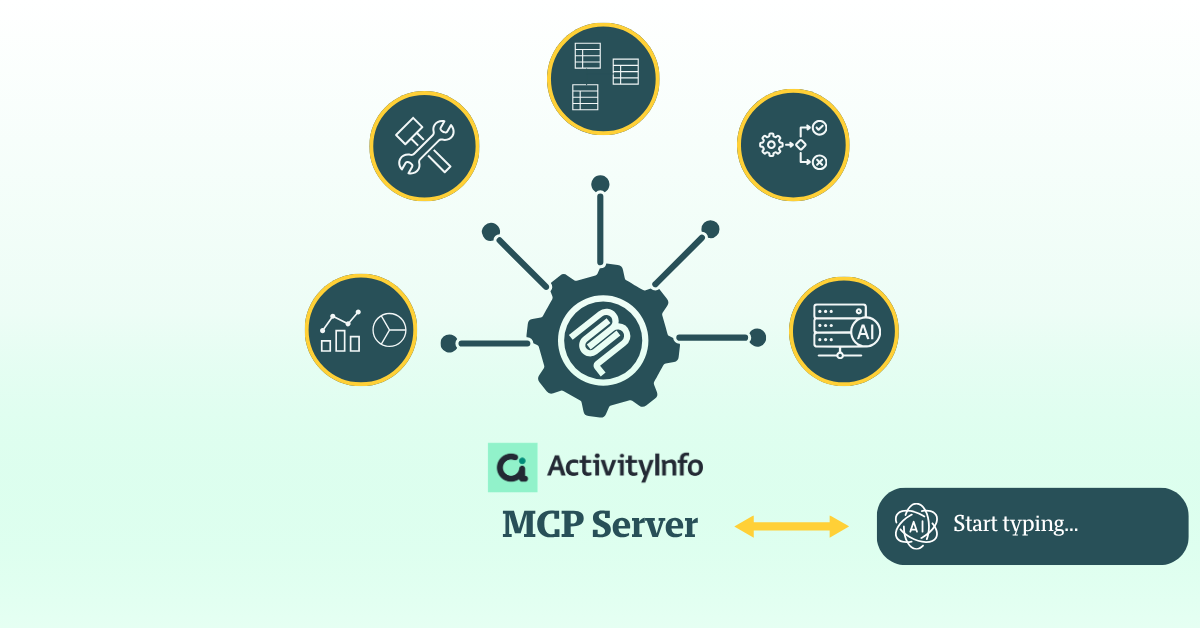
Over the past year, we've been listening carefully to the needs and concerns that users in the humanitarian and development assistance sector have raised around the use of LLMs and AI assistants. It became clear that before introducing any new AI-related capabilities, the right controls needed to be in place. With that in mind, a few months ago we began piloting the ActivityInfo Model Context Protocol (MCP) server with a select group of users.
Today, we are pleased to announce that it is publicly available.
The Model Context Protocol (MCP) server for ActivityInfo makes it possible to connect AI assistants to your ActivityInfo databases. Using the MCP server in combination with an AI assistant (such as Claude, ChatGPT, etc.) can complement ActivityInfo in powerful ways. You can now delegate a variety of tasks to the AI assistant and achieve things faster in ActivityInfo. Given you have the correct permissions, you can:
- Accelerate the database design and configuration process. For example, you can provide the assistant with a logframe and work with it to create the data collection forms.
- Review your questionnaires and form design according to best practices.
- Explore the contents of your database, and ask questions about your data using natural language queries.
- Increase accuracy of translations with context sensitive translations.
- Code qualitative data to make it possible to analyze.
- Summarize or translate narratives and replies to open-ended questions.
- Read and analyze your records or construct reports in ActivityInfo that can be shared and reused.
MCP is an open standard that allows AI applications to connect to external data sources. As such, another advantage of using the MCP server is that it makes it easier to combine data that exists in different tools with data in your ActivityInfo databases so as to get more advanced overviews across your organization.
If for example you have grant-related information on a separate tool (e.g. in Sharepoint) and program data in ActivityInfo, you can ask the AI assistant to review the grant proposal and compare it with the achieved results of your programs. Delegating such tasks can save hours of manual review and simplify cross-system reporting, eliminating the manual effort of cross-referencing files.
There is extensive documentation to understand the MCP server better and start working securely with it:
- Understanding the ActivityInfo MCP server
- Understanding permissions for AI assistants
- Using AI assistants with sensitive data
And to get started with using it:
- Enabling the MCP server for a database
- Connecting Claude to ActivityInfo
- Connecting ChatGPT to ActivityInfo
- Connecting Mistral to ActivityInfo
- Connecting Gemini Enterprise to ActivityInfo
- Reviewing and revoking connected assistants
Once you feel comfortable enough with the basics, you can try a tutorial on your own:
Working securely with the MCP server and AI assistants
AI Assistants have progressed quickly in the last six months, but are still prone to making errors. Always double check the results of an AI assistant before making decisions or sharing with stakeholders.
Setting the foundations
When you connect an AI assistant to ActivityInfo:
- The assistant reads data from your database and sends it to the company that runs the assistant
- That company processes your data on your behalf.
Whether this is acceptable is a data protection decision for your organisation, not a technical one, and it has to be settled before connecting an assistant to a database that holds sensitive data (e.g. personal data about the people a programme serves such as names, contact details, household composition, locations, health information, protection cases, or free text that identifies someone indirectly).
Before starting your work with the MCP server and an AI assistant, our advice is the following:
- Use a business or enterprise account
- Review the Data Processing Agreement
- Keep sensitive data out of model training
- Consider where the data is processed and local providers
- Reduce what an assistant can reach
- Decide who may connect, as an organisation
Please read in more detail the precautions you should take before using an AI assistant with sensitive data.
Permissions and AI assistants
An AI assistant connected to ActivityInfo acts as the user who authorised it, it doesn’t have permissions of its own. Every request the assistant makes goes through the same permission checks as a request made in the browser or through the REST API, so the assistant can read and change exactly what that user can read and change, and nothing else.
So if your role lets you view sensitive data, an assistant you authorise can view that data too. Connecting an assistant does not create a new, more limited kind of access.
In ActivityInfo, before an AI assistant can work with a database, two separate conditions have to be met. If either condition is not met, the tool call fails and the assistant reports the reason.
- Condition A: A user with the permission to change database settings activates the MCP server for a specific database.
- Condition B: The user’s role in the database allows the operation.
Then, when you authorise an assistant, ActivityInfo asks whether to grant read access only, or also the ability to make changes.
Please read in more detail the article Understanding permissions for AI assistants.
Planning for the future
These are the early days of the ActivityInfo MCP server and we will be listening to users’ feedback with the aim to offer further improvements. Eventually, we aim to develop tools inside the ActivityInfo platform that will be more tailored and focused on users’ specific needs and requirements.
Do you have questions about the MCP server or do you wish to discuss what you will be creating? Then, feel free to join the conversation in the ActivityInfo Community or raise questions to our Helpdesk via your Technical Contact.