Connect to other software for more advanced analysis
Connect your ActivityInfo databases to Power BI and Tableau in minutes and create dynamic dashboards and visualizations. Use the MCP server to connect AI assistants to your ActivityInfo databases.
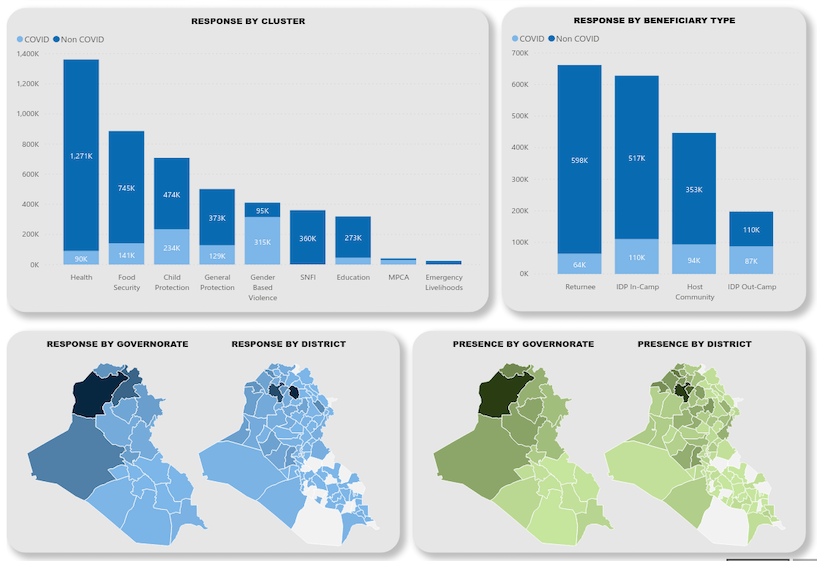
Connect to Power BI
Combine the power of ActivityInfo with Power BI quickly and easily and create your own Business Intelligence products.
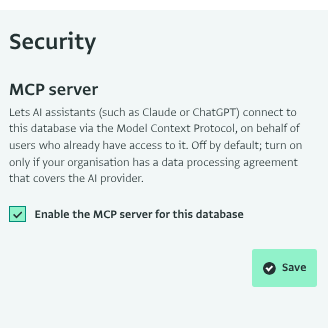
MCP server for integrating with AI assistants
Connect to AI assistants such as Claude, ChatGPT, and Gemini and delegate your database design or data analysis tasks. Combine data from different tools with data in ActivityInfo. Code open-ended answers into structured, analyzable data. Query your records and generate shareable reports.
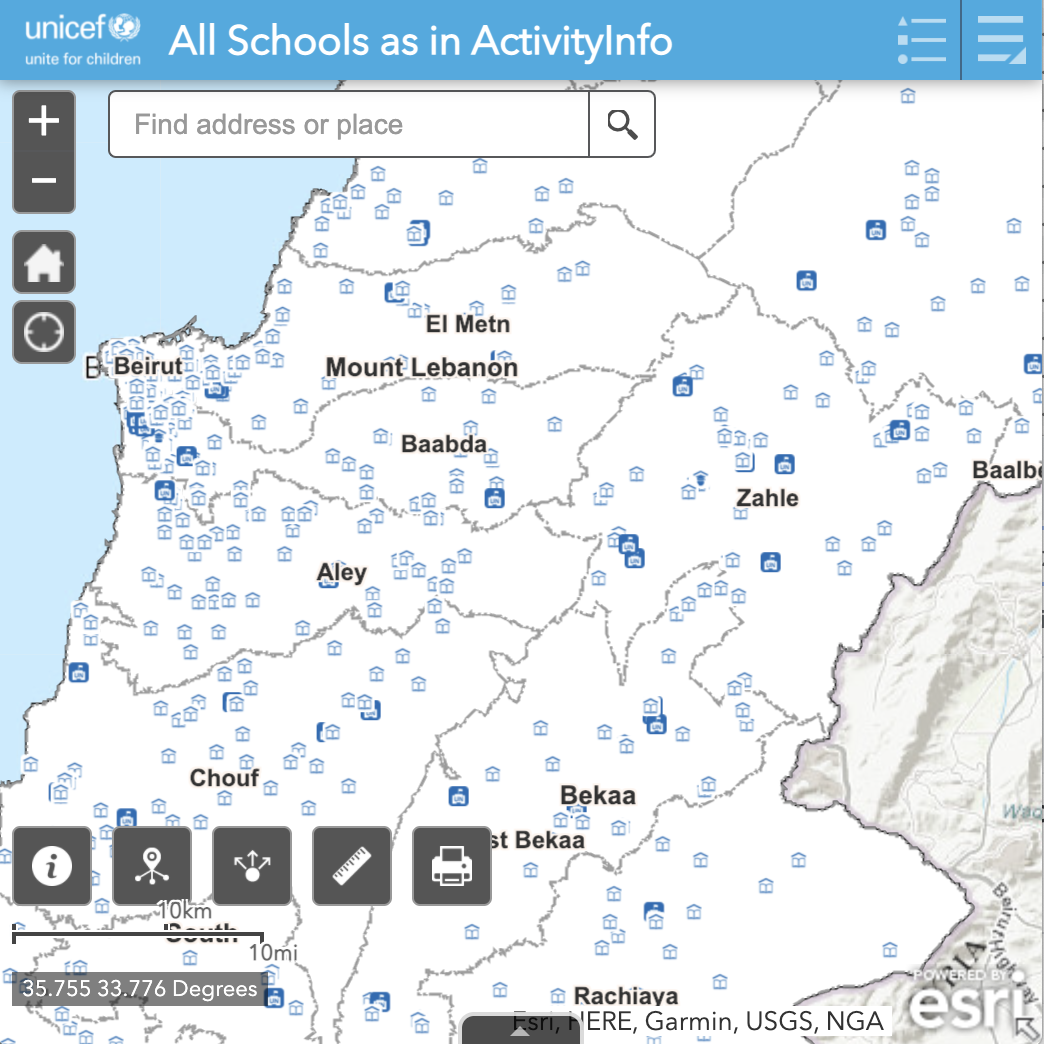
Connect to ArcGIS
Integrate ActivityInfo with ArcGIS and create interactive, dynamic maps for your data.
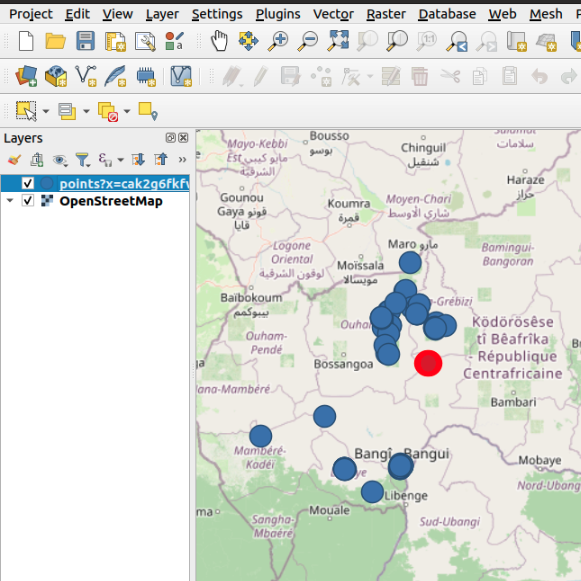
Connect to QGIS
Integrate ActivityInfo with a free and open source Geographic Information System like QGIS for more advanced visualizations of your geographic data.
Webhooks for automating workflows
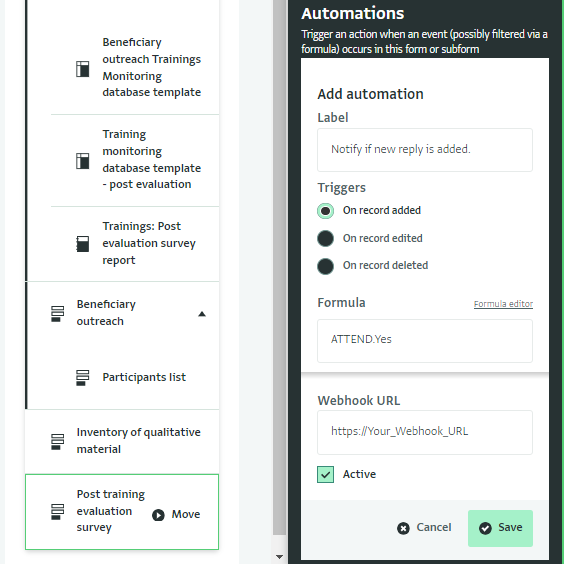
Automate actions using a third-party tool like PowerAutomate or Zapier for add/edit/delete record events, set a filter, and then send the event details to an external webhook URL. Or send emails when an event happens to other users.
Other third-party systems
Connect to third-party systems with our RESTful API. Bring together results from finance systems, Enterprise Resource Planning (ERP) systems, and others to achieve a single overview of your mission.
Export and analyze data further using JavaScript, R, Java, Python, and other languages.
Query and update ActivityInfo databases
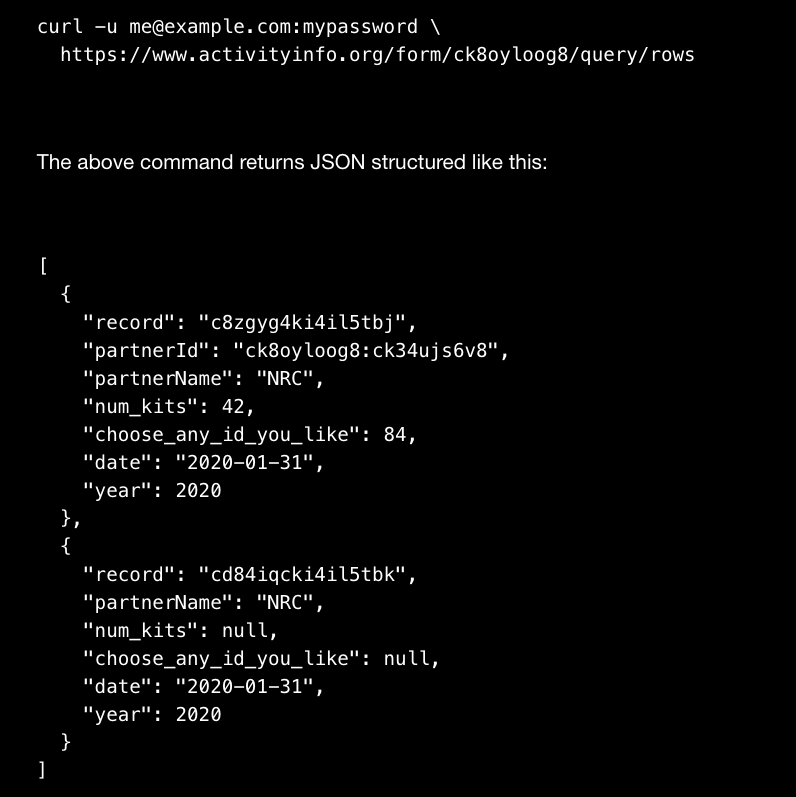
ActivityInfo offers a JSON-based API that mostly follows RESTful principles, so you can either use your favorite REST client library to send and receive JSON, or you can use a client library for R for convenience. You can query records, add, edit or delete records, update the design of a form, add, edit and delete users and much more.