A Guide for Case Management Information Systems for NGOs and Nonprofits
For NGOs and nonprofits working in the social sector a broken case management workflow can lead to delayed interventions, duplicated beneficiary records, lost historical context, and compromised data privacy for vulnerable populations.
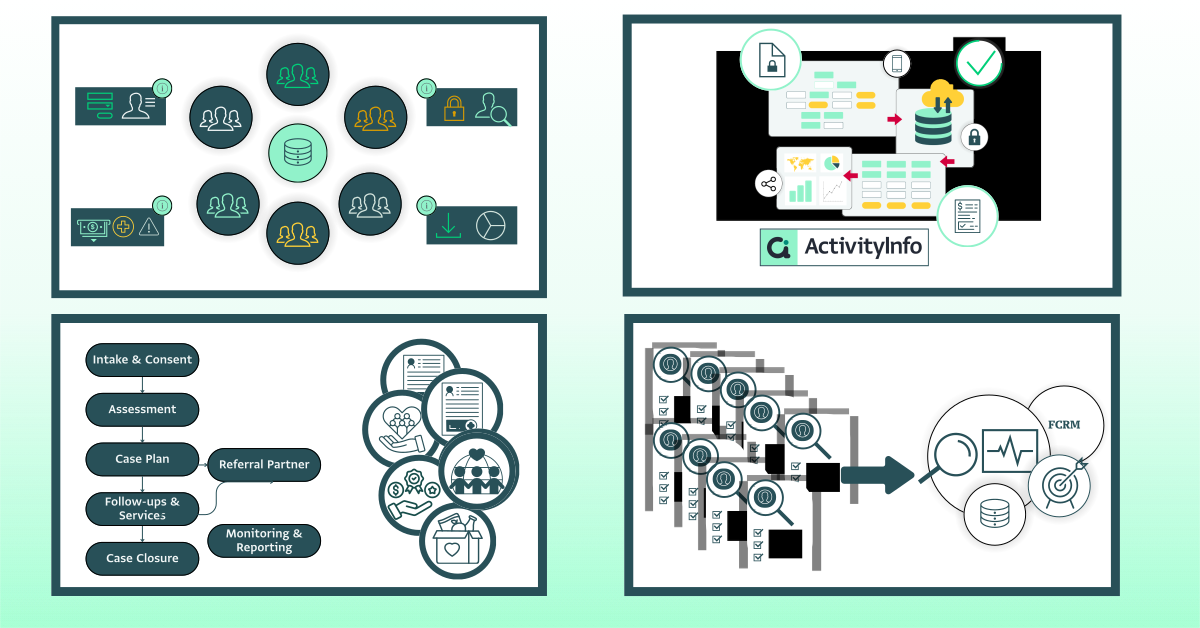
Whether you are transitioning away from fragmented spreadsheets or updating an outdated information system, building a scalable case management information system requires balancing frontline usability with strict security and capabilities for high-level reporting.
This guide provides a list of key resources to help you navigate key aspects related to the design of a case management information system that serves caseworkers, MEAL or impact measurement teams, and organizational leadership alike.
How to use this guide: This pillar page contains various sections with links to key resources related to the conception, design and implementation of a case management information system. Throughout the guide you will find deep-dive guides, templates, and webinars from our resource library with additional information and details.
Section 1: Foundations of a case management information system
Before configuring software, setting rules, or building forms, you must understand the data itself, who touches the data and how it moves through your organization.
A common pitfall is designing a case management information system purely for donor compliance, which creates heavy data-entry burdens for frontline staff without giving them operational value in return.
- Core principles in case management: Familiarize yourself with key definitions, the importance, and scope of Case Management systems, as well as common use cases or pathways across sectors.
- Understand data in case management: Get started by identifying the type of data used in case management and understand what type of structure can best serve your needs.
- Map your stakeholders: Identify every role interacting with the system; caseworkers need speed and clarity, while MEAL or impact measurement officers need structured, clean inputs.
- Build an information flow map: Document the client journey from initial intake and risk screening to assessment, service delivery, referral, and case closure.
- Match your case management needs to the correct system type: Determine what type of focus and setup your information management system needs.
Section 2: Practical aspects of data in the case management information system
If caseworkers struggle with overly complex interfaces or lack clear data standards, system adoption drops, and staff can resort to keeping side-notes on paper or unencrypted spreadsheets.
- Convert qualitative notes into reportable metrics: Casework naturally involves detailed narratives. Use structured tags, categories, and status fields alongside case notes so qualitative progress can be aggregated into quantitative reports.
- Understand outcome indicators in case management: Outcome indicators measure the results or changes that occur because of your program’s or project’s support. Even though they might be harder to measure, they are very powerful because they move the focus from the activities done to the change brought.
Section 3: Monitoring and evaluation, learning, and advocacy in case management systems
The ultimate goal of a mature case management information system is moving beyond transactional case tracking toward programmatic learning and systemic change.
- Bridge casework and MEAL: Link individual service records directly to organizational logframes and MEAL indicators while keeping sensitive information protected. This eliminates the need for monthly manual data aggregation from field teams.
- Foster continuous learning: Use real-time case data in weekly reflection sessions to spot bottlenecks (e.g., high referral drop-off rates) and adapt interventions mid-stream.
- Predictive advocacy: Aggregated, anonymized case data provides compelling evidence for policy changes with governments, donors, and humanitarian clusters.
Additional resource: Read through an example on how MHPSS and M&E teams can work together to co-design effective information management systems that support impact measurement and better decision-making, while ensuring that each team has access only to the data relevant to their roles.
Section 4: Case management software features and system implementation
A modern case management information system must balance daily operational flexibility with strict adherence to data protection standards. In addition, there are various functionalities that can facilitate the work of all those involved with the system.
- Features and functionalities for case management information systems: From role-based access control, to audit trails, and from data quality rules to offline capabilities, there is a wide variety of features that you should be aware of.
- Rolling out a case management system: Get started with the design of the system by looking at key steps for managing resistance to change, planning for data use and sustaining the system’s use. Learn more about data models and understand how data will be stored, organized and retrieved.
Resource Highlight: Explore the Protection case management system template, a ready-to-use, customizable relational database template, with a data model based on “Your Guide for Protection Management” developed by NRC.
Why NGOs and Nonprofits choose ActivityInfo as their case management software
While traditional CRMs are designed for commercial sales and rigid legacy software can take months to configure, ActivityInfo offers a flexible, relational data platform designed specifically for humanitarian and development environments.
- Relational data architecture: Connect individual clients, household records, specific service instances, and organizational indicators effortlessly.
- Granular data security: Maintain strict control over PII with fine-grained access rules based on user roles, locations, or reporting hierarchies.
- Field-ready: Collect data via web or mobile app with full offline support in remote regions.
- Fast deployment: Build custom forms or adapt existing templates without needing custom software development or IT engineering support.
Learn how international organizations streamline their field operations using ActivityInfo:
- Case Study: How Heartland Alliance International digitized complex case management workflows
- Case Study: Streamlining health and protection reporting with Médicos del Mundo
Ready to build your case management system?
Whether you need to review your current data model or build a new case management system from the ground up, ActivityInfo provides the structure and flexibility required for sensitive field environments.