ActivityInfo as a Nonprofit Case Management System
While ActivityInfo has historically supported large-scale international humanitarian and development programs, the platform’s core architecture is designed to meet the fundamental requirements of any case management environment. For domestic nonprofits, care agencies, and local government services, the software provides a secure, relational structure to manage sensitive participant data and track service delivery.
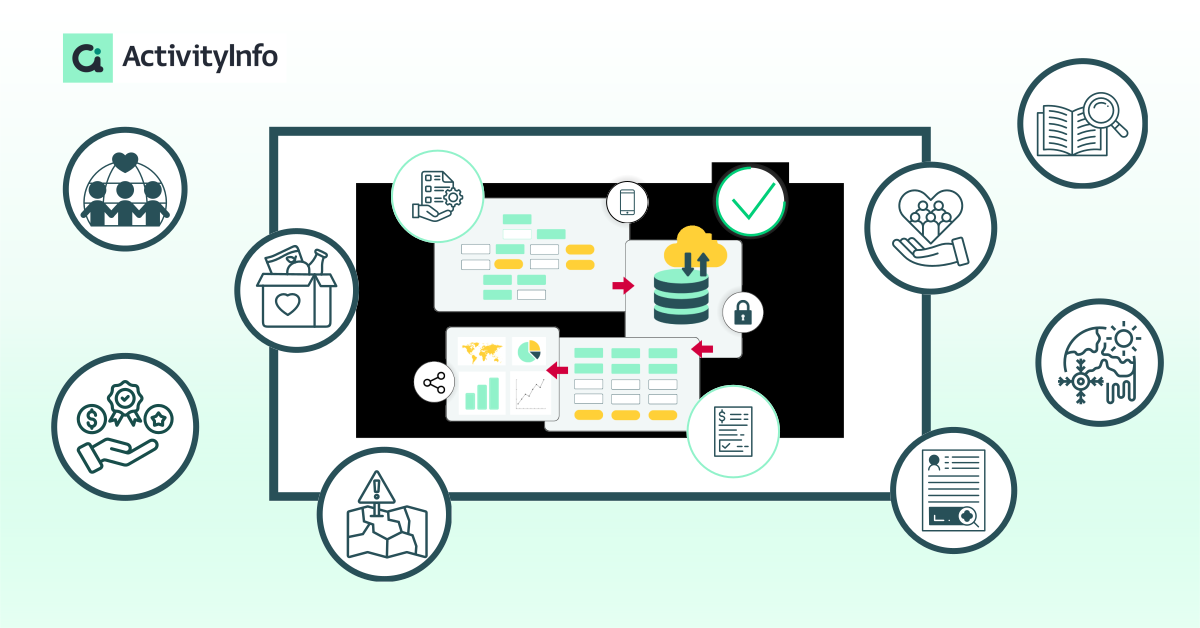
ActivityInfo is no-code software based on the relational database model. This allows domestic organizations to build a case management system that reflects their specific workflow rather than adjusting their workflow to fit a pre-configured software.
Whether your nonprofit is managing a food pantry in a small town, coordinating veteran services, or running a metropolitan housing shelter, the transition from "spreadsheets and paper" to a professional nonprofit case management system can often be hindered by the cost or the lack of flexibility of the available software solutions. ActivityInfo changes that offering a secure no-code platform that is cost-effective, flexible, and scalable, available both as Software as a Service (SaaS) and via a Self-managed Server.
Below are specific use cases and the corresponding ActivityInfo functionalities that facilitate domestic human services for nonprofit organizations.
Housing & Shelter Services: Occupancy and Waitlist Management
Nonprofits providing housing assistance require real-time tracking of bed availability and the ability to prioritize applicants based on vulnerability. With ActivityInfo staff can see at a glance stay duration and limits, who is next on the priority list based on vulnerability scores and anything else needed.
- Reference fields for facility management: By linking a "Beds" or "Rooms" form to the "Client Intake" form, organizations can maintain a live registry of available assets. When a client is checked out, the bed status updates globally, providing an instant overview of vacancy across multiple locations.
- Validation Rules: Administrators can set logic to prevent data entry errors, such as assigning a client to a bed that is already occupied or exceeding a facility’s maximum capacity.
- Calculated Fields: The system can automatically determine the length of stay or calculate a "vulnerability score" based on intake responses to help prioritize waitlists.
- Record detail view: This feature allows caseworkers to create a quick, focused summary of a client's housing history and current status, ensuring that the most relevant data is accessible for daily check-ins.
Youth & Education Programs: Longitudinal Tracking
Organizations focusing on mentorship, attendance, and student development need to monitor progress over months or years. Instead of trying to find key information in separate files, with ActivityInfo, a caseworker can see a child’s entire developmental trajectory over several years in one place.
- Reference forms or subforms: This relational feature allows a single "Student Profile" to be linked to multiple, recurring records such as daily attendance, monthly grade reports, or mentorship session notes.
- Custom views: Users can create custom views to explore the data. For example, they can create a view to show a chronological history of all interventions associated with a specific youth, ensuring continuity of care even if caseworkers change.
- Pivot tables & trend analysis: Built-in reporting tools allow managers to aggregate individual progress into program-wide trends. You can visualize whether a specific mentorship cohort is showing improved GPA scores over a semester compared to the baseline.
- Calculated fields for age & eligibility: The system can automatically update a student’s age based on their birthdate or calculate "total hours of mentorship received," helping staff identify who may be aging out of a program or who requires more intensive support.
Food Banks & Pantries: Household-Level Distribution
For food security programs, tracking inventory alongside household demographics is necessary for compliance and reporting.
- Reference fields: This allows staff to link a "Distribution" record to a "Household Profile." Once a household is selected, the system can automatically pull relevant data, such as the number of dependents, to ensure the correct amount of supplies is allocated.
- Multiple forms linking and aggregate reporting: Domestic agencies can maintain a master inventory report that updates automatically as items are logged in individual pantry distribution forms. This provides a real-time view of stock levels across one or multiple locations.
- Barcode & QR code integration: Field staff can use the mobile app to scan member ID cards or inventory labels. This speeds up the "check-in" process during high-volume distribution hours and reduces manual data entry errors.
- Validation rules for fair distribution: Administrators can set limits on how often a household can receive specific items (e.g., once per month) or set "required fields" for signatures or photo proof of delivery to meet federal or donor compliance standards.
Veterans Services: Claims and Benefits Coordination
Programs serving veterans often manage complex service lines including VA claim tracking, mental health referrals, and employment assistance.
- Form linking: Different departments can maintain separate forms that link back to a single central "Veteran Registry." This provides a holistic view of the various benefits and services a veteran is accessing across the organization.
- Role-based access control and advanced permissions: Organizations can define specific permissions for different staff roles. For example, an employment counselor can access a veteran’s resume, while sensitive clinical notes remain restricted to authorized medical or counseling personnel.
- Case status & workflow tracking: By using "Single Selection" fields to track the status of a VA claim (e.g., Pending, Approved, Appealed), administrators can build dashboards that show the bottleneck in their service pipeline.
- Automated reminders and deadlines: ActivityInfo’s webhook functionality allows the system to send real-time notifications to external applications when a record is created or updated. For example, when a veteran’s housing status is marked as "Urgent" in ActivityInfo, a webhook can automatically trigger an email alert to a supervisor.
Prison Reentry Programs: Milestone Monitoring
Nonprofits assisting formerly incarcerated individuals require precise tracking of legal requirements, housing stability, and workforce reintegration. ActivityInfo provides the structure necessary to manage these high-stakes transitions, helping ensure that both the participant and the organization remain in compliance with judicial mandates.
- Reference fields: Case managers can link a participant's record to specific parole requirements or employer databases. This ensures that every milestone, from securing an ID to completing a job training program, is documented against the participant’s reentry plan.
- Audit logs: Every action taken within the system is recorded, providing a permanent trail of service delivery and compliance. This is essential for programs reporting to judicial systems or government oversight bodies.
- Calculated fields for compliance deadlines: You can set up logic to automatically calculate deadlines based on release dates. This helps case managers prioritize their daily outreach based on the most immediate legal risks to their clients.
- Attachment fields for document management: Store copies of IDs, training certificates, and signed parole agreements directly within the participant's record. This centralizes all necessary paperwork, reducing the time spent searching through physical files during compliance reviews.
Domestic Violence & Human Services: Data Privacy and Security
Agencies handling sensitive cases must maintain high standards of data integrity and confidentiality to protect participant safety. ActivityInfo provides a "security-first" environment that exceeds the requirements of standard office tools.
- Audit logs: Every action taken within the system including record creation, edits, and deletions is recorded. This provides a permanent, searchable trail of who accessed or modified sensitive information.
- Data encryption: All data is encrypted in transit and at rest, supporting the privacy requirements often mandated by local and national regulations.
- ISO 27001 certified company: This is the internationally recognized Information Security Management standard which requires that organizations assess information security risks, put in place robust security controls and processes, and embed information security management across the organization.
- Advanced permissions and parameters: Organizations can restrict staff access based on specific locations. For example, a worker at Shelter A can be barred from even seeing the database for Shelter B, ensuring that sensitive location data is siloed on a "need-to-know" basis.
Disaster Recovery & City Government: Field Assessments
Local governments and recovery groups require the ability to gather data quickly during and after a crisis. With ActivityInfo, you can quickly create a live map of recovery needs for city planners, allowing them to allocate resources (like debris removal) to the hardest-hit neighborhoods first.
- Offline mobile collection: Using the ActivityInfo mobile app, field workers can conduct damage assessments or intake surveys in areas where internet connectivity has been compromised.
- Geographic data & mapping: The system can capture GPS coordinates for damaged properties or service delivery points, which can then be visualized on built-in maps for resource allocation and planning.
- Image & document attachments: Field teams can take photos of property damage or scan physical documents directly within a form. These attachments are linked to the specific geographic record, and be viewed directly within the platform, providing visual evidence for insurance claims, FEMA reporting, or structural engineering reviews.
- Public data collection with collection links (anonymous forms): City governments can deploy "public forms" that allow residents to self-report damage or request non-emergency assistance via a simple web link. This crowdsourced data flows directly into the internal management system for triage.
Benevolence Funds & Financial Assistance: Accountability
Ministries, community churches, and local nonprofits managing benevolence funds must track financial disbursements for audit purposes and donor transparency. ActivityInfo provides the controls necessary to manage cash assistance and emergency grants with the precision required for financial accountability.
- Duplicate detection & merging: To ensure funds are distributed according to policy and to prevent double counting/dipping the system can identify and flag duplicate records based on unique identifiers like Social Security numbers, government IDs, or phone numbers. Its merging functionality allows administrators to consolidate duplicate entries into a single record while maintaining the referential integrity of all past assistance linked to that individual.
- Exportable reports & BI connectivity: All financial and demographic data can be exported into various formats (Excel, CSV) or connected directly to external Business Intelligence tools like Power BI or Tableau. This allows organizations to generate the sophisticated financial and impact reports required by boards, private donors, or government grantors.
- Approval workflows: Organizations can design multi-stage forms where a caseworker enters a request for assistance and a supervisor must "approve" the record before it is marked for disbursement. This internal control ensures that every dollar spent has been verified by at least two staff members.
Whether you are starting with your first digital database or migrating from a legacy system that no longer fits, ActivityInfo offers the flexibility to build a system that reflects the unique workflow of your nonprofit.
Interested in learning more? Never hesitate to contact us.