Metadata Field Type - System-Recorded Metadata for Improved Accountability and Data Quality
With the view to help you enhance data quality and accountability, we are excited to announce the new Metadata field type, which allows you to automatically record facts about a record, show these on the Table view, and use them in more places in the platform such as in permissions and data analysis. For the time-being we offer the option to use the field to capture metadata related to users who have added a record or who were the last to edit a record. More metadata options will follow.
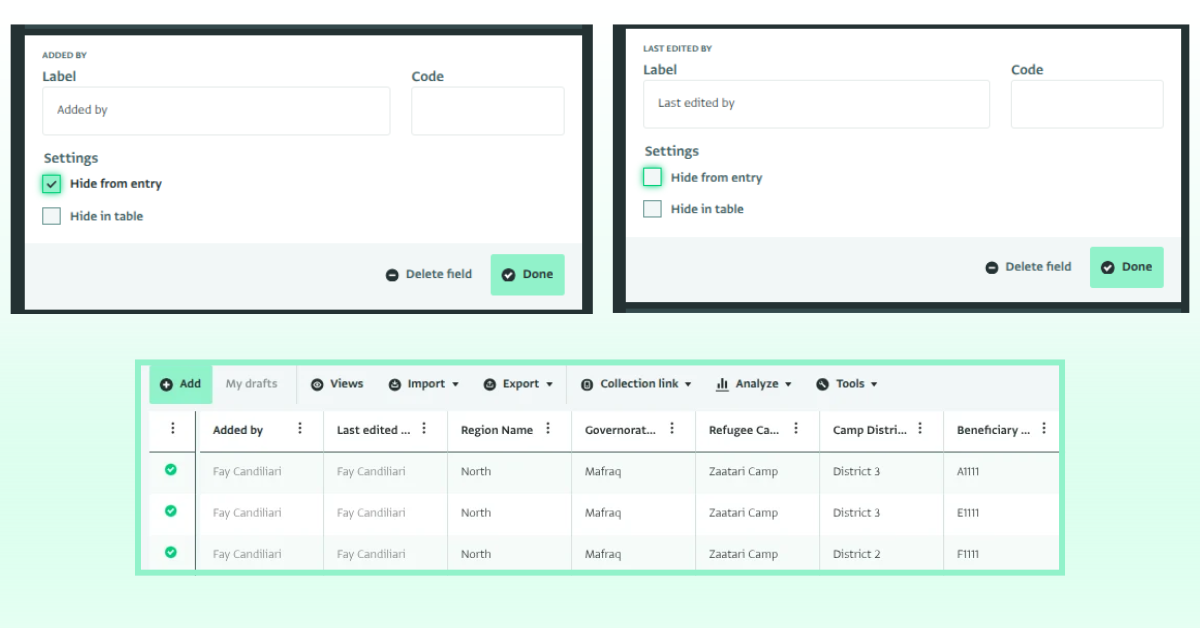
For sensitive records, financial data, or other important information, being able to show who created a record and who last changed it, demonstrates that data is handled responsibly supporting accountability and any potential audit. Then, on a shared caseload or project, knowing who last worked on a record helps colleagues pick up where someone left off or find the right person to ask a question.
While this information has always been available in the Audit log or in the record history, with this functionality you can easily access it and use it in many more ways:
- You can use metadata in permission rules. For example you can set a rule so that only the user who added the record is able to edit it.
- You can filter and sort records by contributor in the table view to have an overview of users’ workload, spot recurring issues (e.g. errors with records) or detect other issues with submitted records.
- In pivot tables, you can use the information in the metadata field to analyze data by contributor or editor.
- You can improve review workflows. If for example your policy requires that someone other than the person who entered a record verifies it, ‘Reviewer only’ fields and metadata showing the ‘Last edited by’ user makes it possible to validate whether that happened.
- Last but not least, you can export records together with their authorship.
The Metadata field in detail
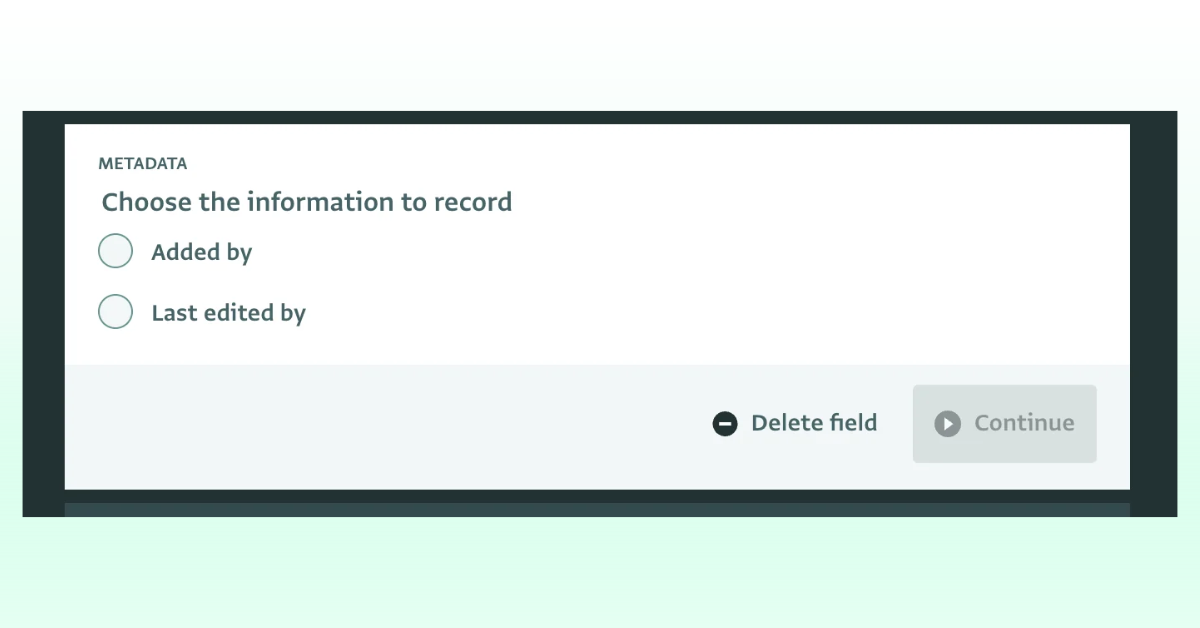
Each Metadata field captures one kind of metadata. The system fills it in and it is not possible to edit it, including through the API or import, so it works as an accurate and reliable record of who did what.
When you add a Metadata field to a form that already has records, ActivityInfo fills in the field for those records from their record history. This happens in the background. You can follow its progress, by clicking on the notification button.
Read the Documentation for more information on the Metadata field and its options.
Metadata option: Added by
Until today, you would have to browse the History of a record or ask users to fill in a User field (set up with the record-level condition of "record is assigned to the user") in order to view which user added a record.
When you select the option ‘Added by’ in the Metadata field, you can show the system-recorded data directly in the table view and/or in the data entry form, depending on your choice.
User fields can still be used if you wish to assign a record to a User, for example when assigning a case to a specific case worker in a case management workflow.
With the Metadata field you can use the information from the audit log in permissions and data quality rules or for analysis.
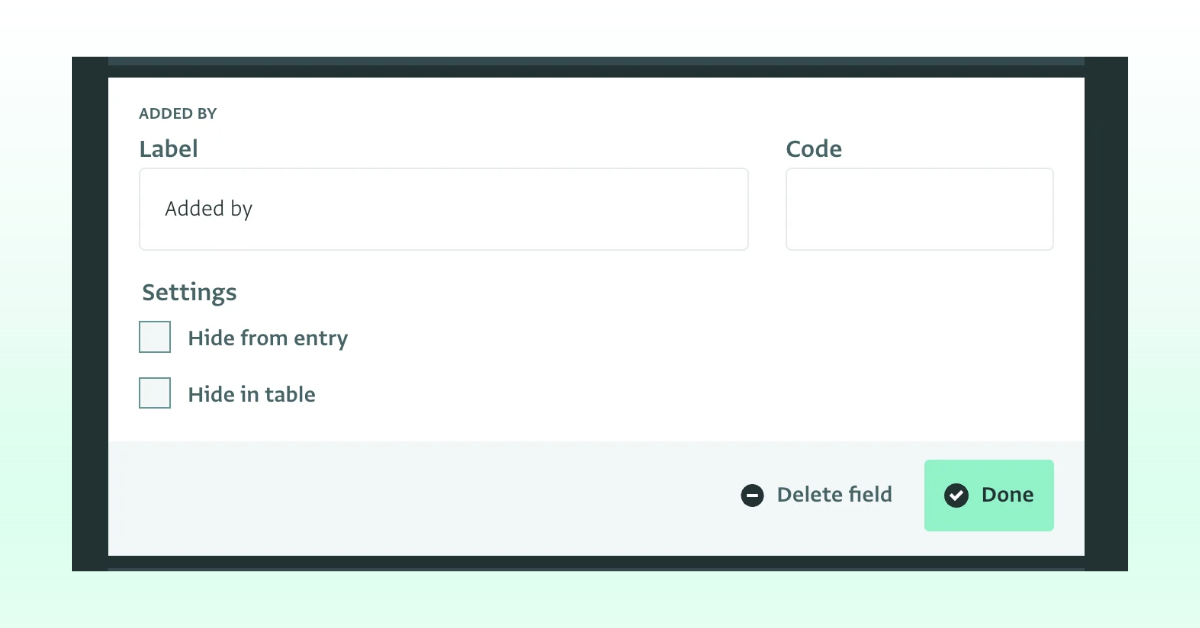
Metadata option: Last edited by
The metadata option ‘Last edited by’ will show the user who made the most recent change to the record.
Using metadata for various purposes
Here is a list of ideas of what you can monitor using the current metadata options:
Case management
- Set a permission rule that restricts editing of a case to its creator.
M&E and data collection
- Assess interviewer bias or analyze the impact of an interviewer on responses.
- Monitoring how many records each team member or partner has entered during a collection round to understand workload or plausibility.
Conservation
- For an annual report to a funder, or for sharing with a government wildlife authority, the team exports incident records, including poaching-related ones, with who logged each one. That gives the recipient a clear, system-recorded source for each entry.
- A coordinator filters by contributor to check each ranger’s recent entries. If one ranger’s records often have missing GPS coordinates or species left blank, the coordinator can arrange a short refresher on data entry instead of sending a reminder to the whole team.
Do you have questions about the new metadata field?
Then, feel free to join the conversation in the ActivityInfo Community or raise questions to our Helpdesk via your Helpdesk Contact.