Optimize your workflows with automations
Reduce reliance on manual actions and save time with email notifications and webhooks. The user-friendly automation builder helps you streamline organizational operations and workflows.
Email notifications
Send out automatic email notifications to users for new, updated and deleted records or cases. Indicate what has changed in the email body by referencing the edited value. Notify specific users or multiple users under a role.
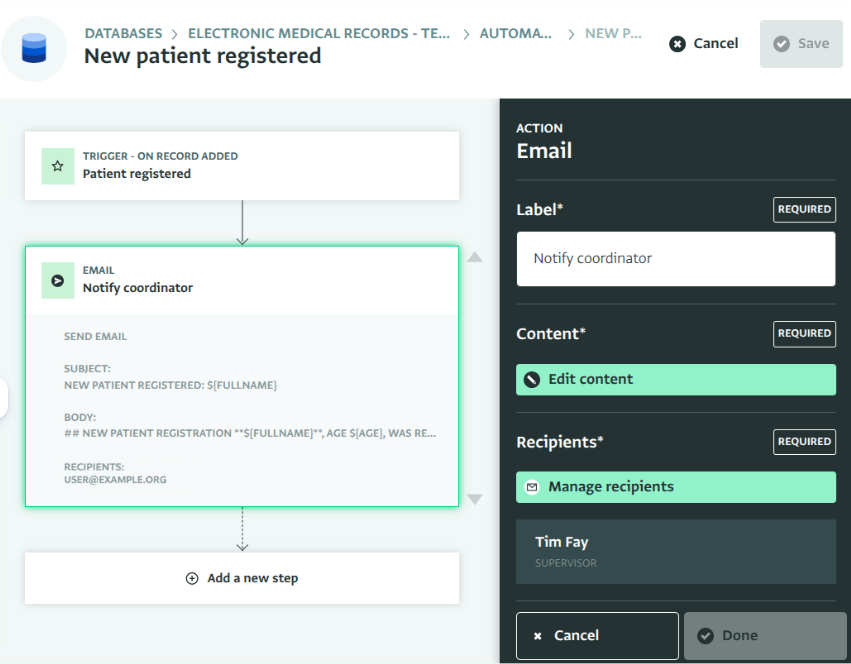
Automation builder
Work on a user-friendly automation builder. Select triggers and resources. Use filters to determine in which conditions the flow should continue. Fire webhooks and send data to another system or send an email to one or multiple users of the platform.
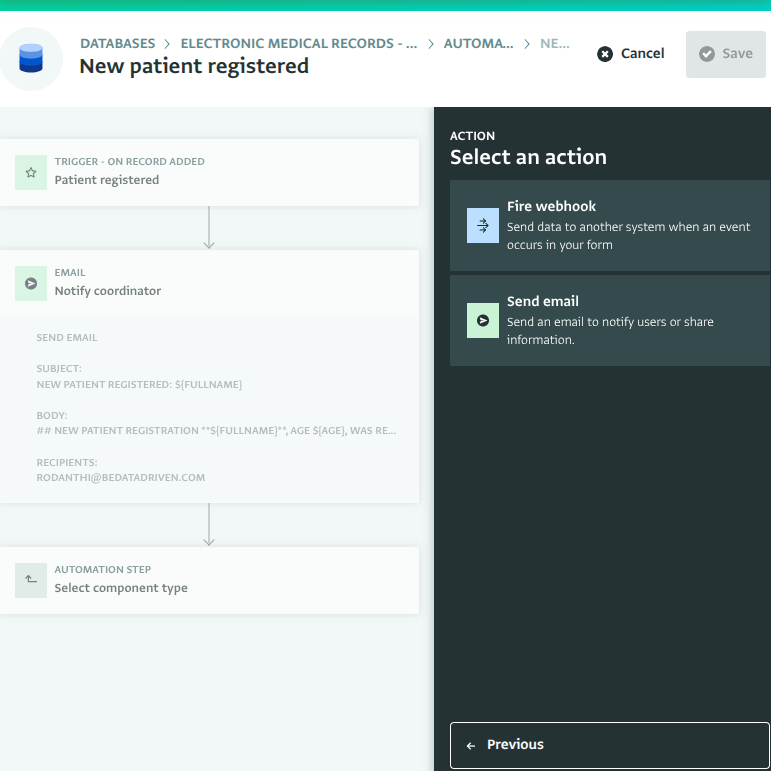
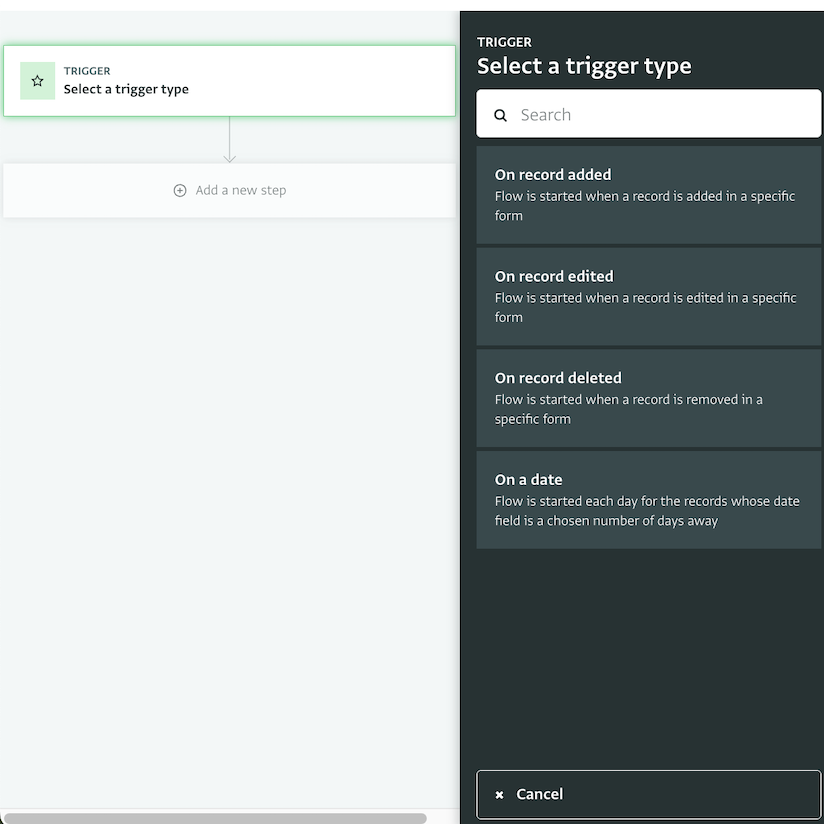
Triggers for various cases
Select from different triggers and notify users when a record is added, edited or deleted. With Date triggers, define exactly how often and how many days before or after a specific date, an action should be triggered.
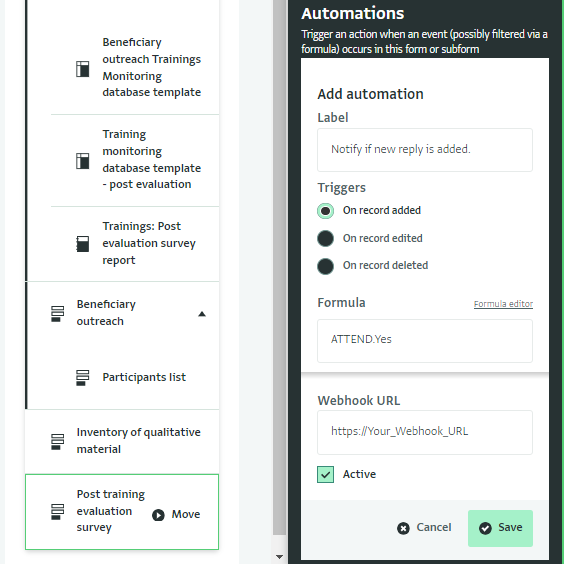
Webhooks
Automate actions using a third-party tool like PowerAutomate or Zapier for add/edit/delete record events, set a filter, and then send the event details to an external webhook URL.
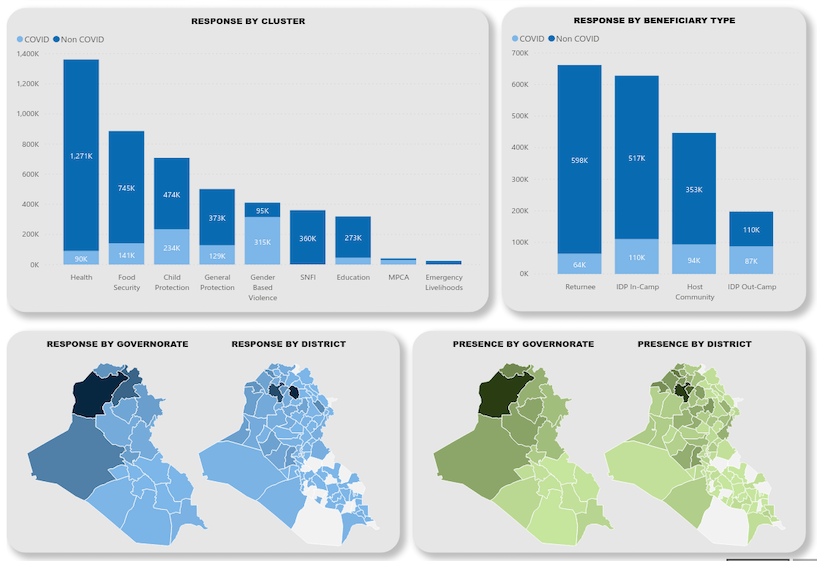
Integrations for more advanced analysis
For a more extensive selection of analysis and visualization options, ActivityInfo can be connected to external software such as Tableau and PowerBI or ArcGIS and QGIS in minutes and without any technical experience.